Meet ReneYour own chief of staff
Everything handled, so you don't have to.
Gets along with everything.
Powerful enough to run your life.
Morning Setup
Start with the inbox, calendar, and first decision already lined up.


what needs my attention this morning?
your 9am moved, Gmail has two quick replies, and the Notion doc is ready. I put the decision first.
line it up for me
done. reply, scan the doc, then walk into the meeting with the brief.
Deep Work
Protect focus when messages, docs, and tasks all compete.

protect my focus block
I muted Slack noise, pulled the Linear issue, and parked low-priority email until noon.
what's the first step?
open the draft. I highlighted the paragraph that needs your decision.
On The Move
Keep routes, reminders, and plans updated while you move.
am I still on time?
yes. train is 8 minutes late, so I shifted the coffee pickup and found a faster walking route.
send the route
sent. your boarding reminder is now 6:18.
Dinner Window
Turn loose errands and dinner decisions into one easy next step.
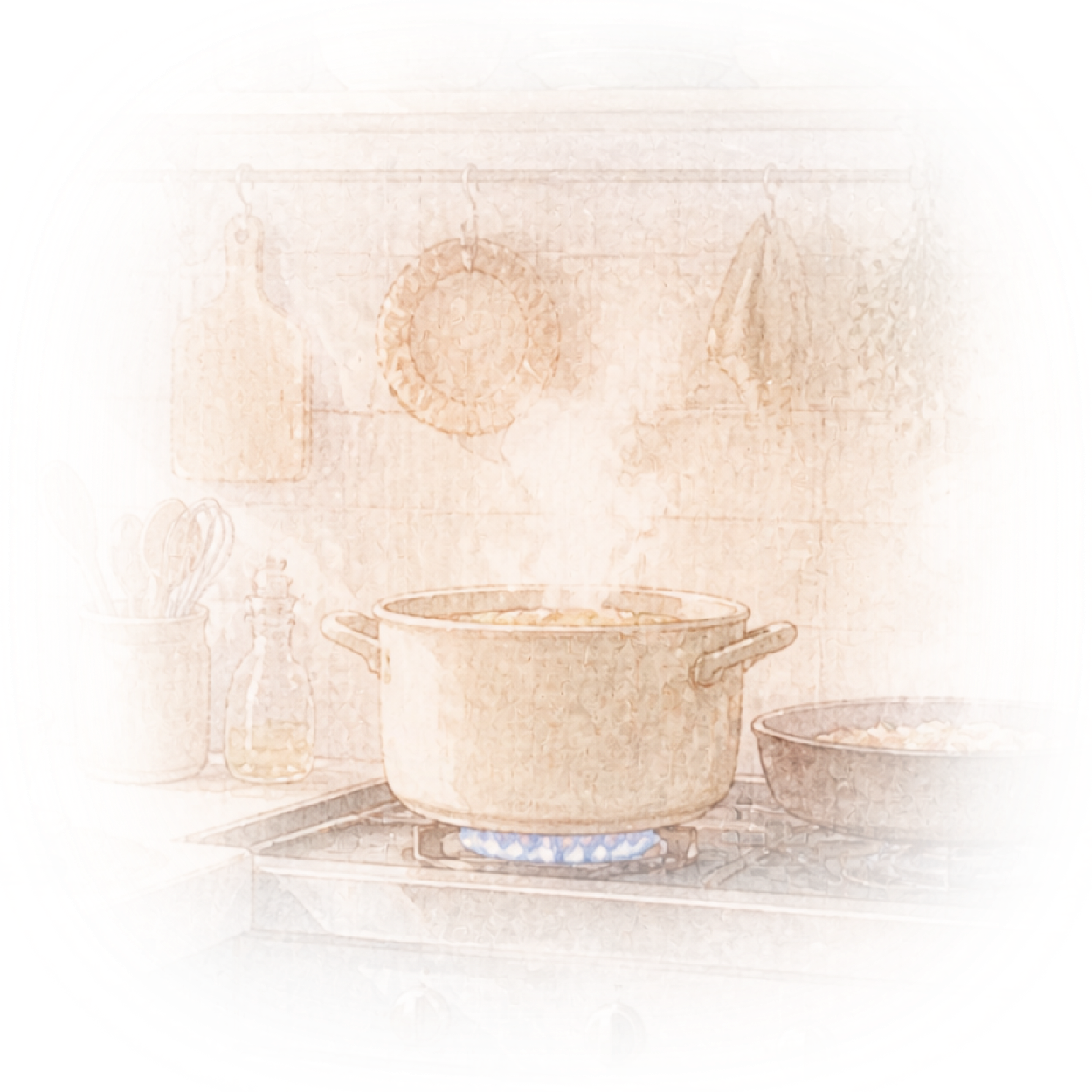
what can I make tonight?
you have eggs, greens, and rice. I found a 15-minute bowl and added the missing sauce to groceries.
keep dinner easy
done. I moved dishes to after your call and set a 7:10 start.
Night Reset
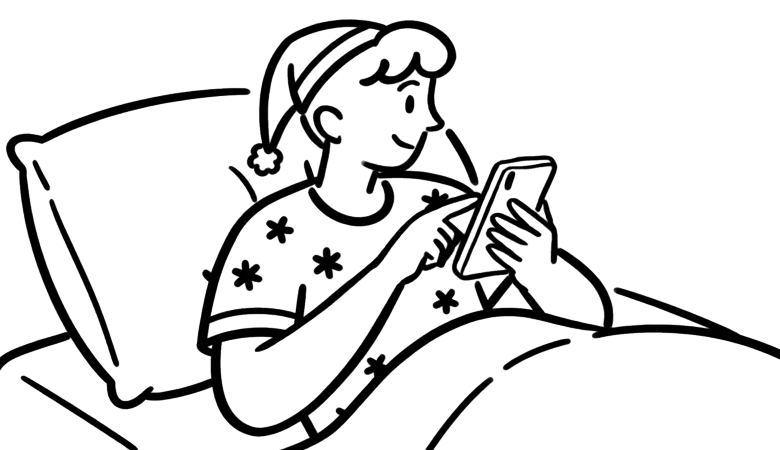
Close the day with tomorrow already lighter.
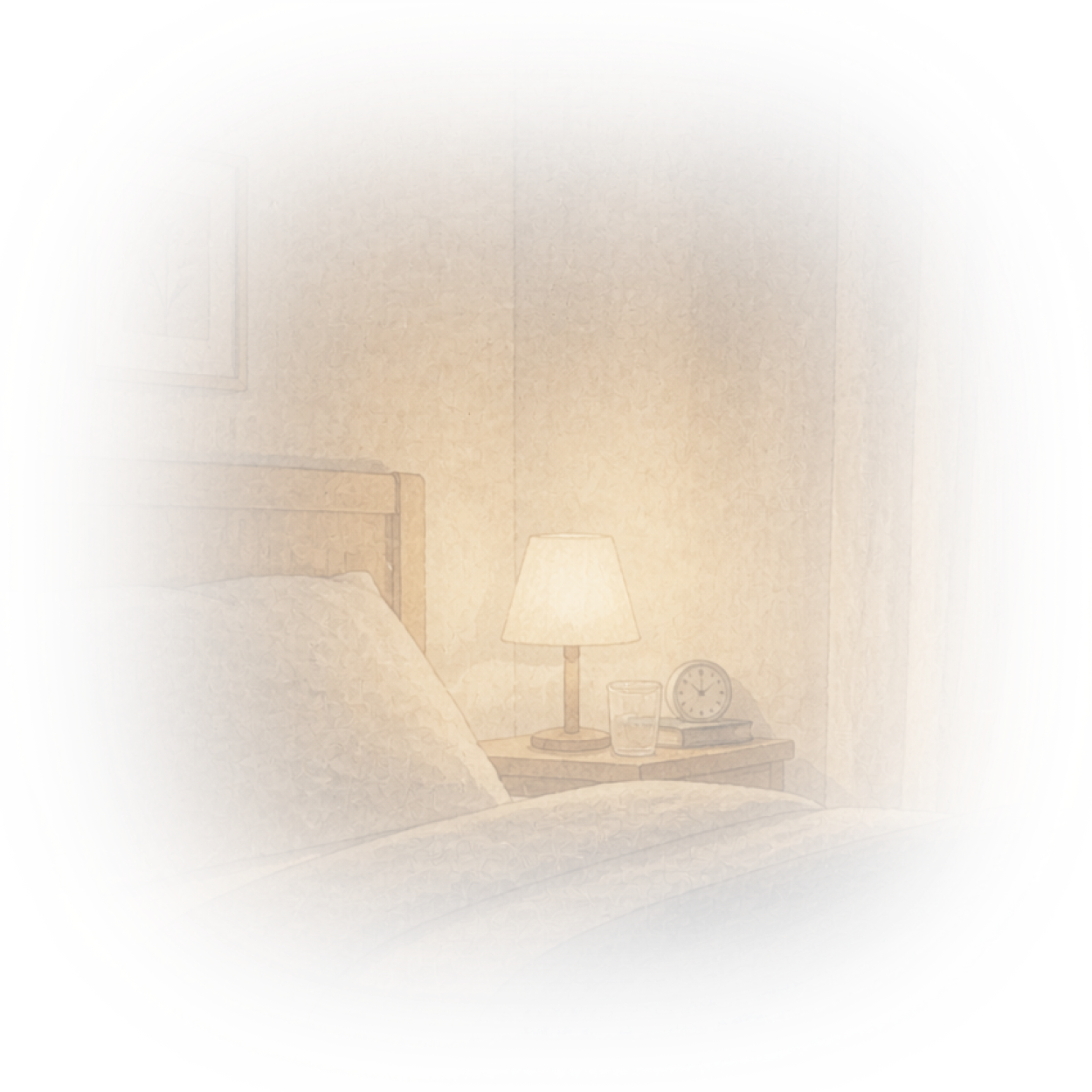
what's left before bed?
essay outline, one calendar fix, and tomorrow's lunch. the essay is the only scary one.
make it smaller
tonight is just the outline. I split the rest across three days.
Your details stay private, protected, and yours.
- Your data stays yours — never sold, never shared without your permission.
- What you share with Rene stays out of model training.
- Email and calendar use delegated access, so Rene never sees or stores your password.
- Security follows industry-standard frameworks, with SOC 2 Type 1 in progress.
Frequently asked questions
Everything feels so much easier with Rene.
Start with the Mac app, keep Rene close on iOS, and let your context move with you.